 Bestseller
Portrait · 10 presets
Lightroom presets graded by working photographers. Drag any photo to see what one click does to a flat, straight-from-camera shot.
BeforeAfterThe collection
BestsellerPortrait · 10 presets
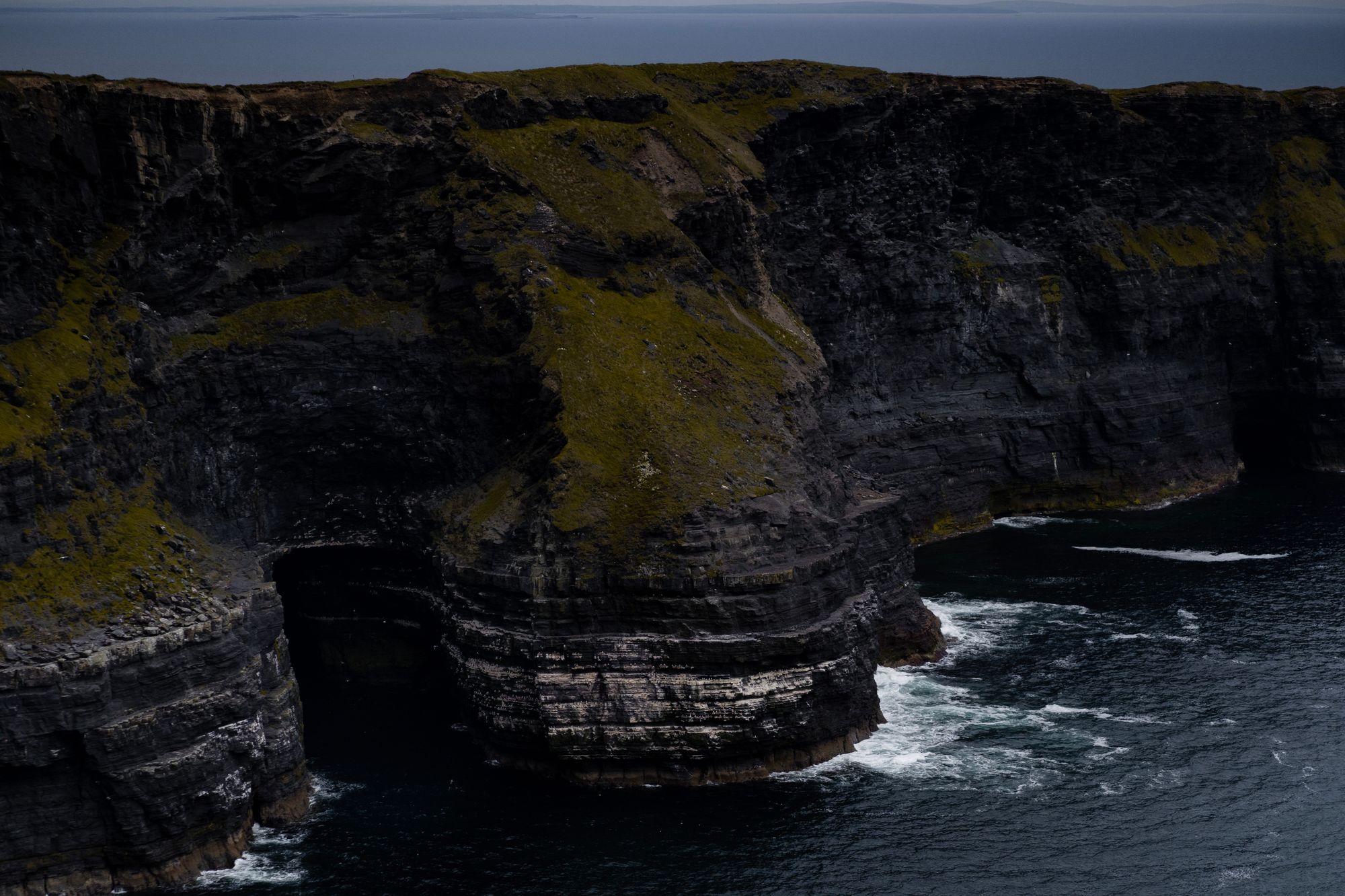 New
NewLandscape · 8 presets
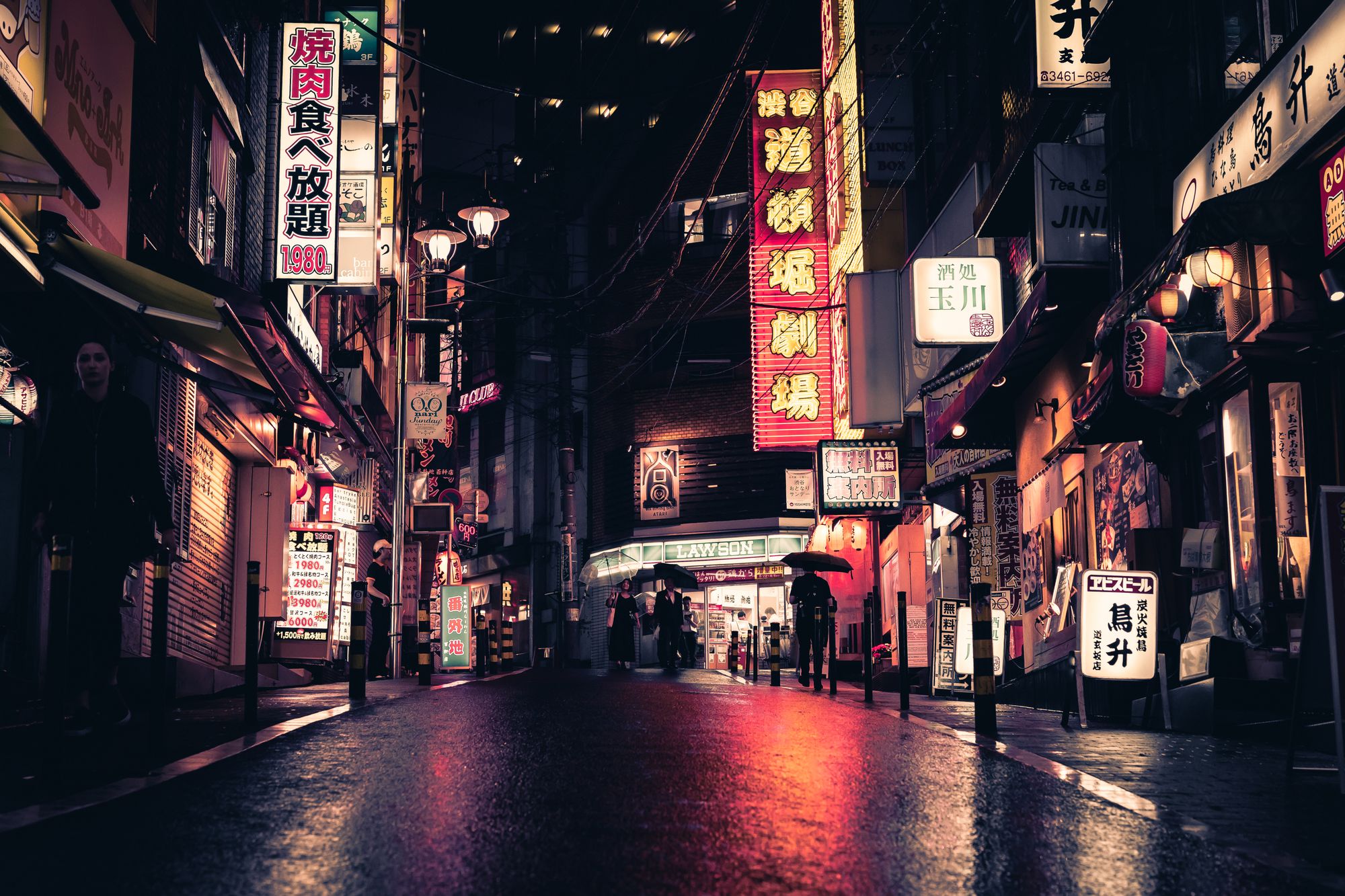
Street · 9 presets
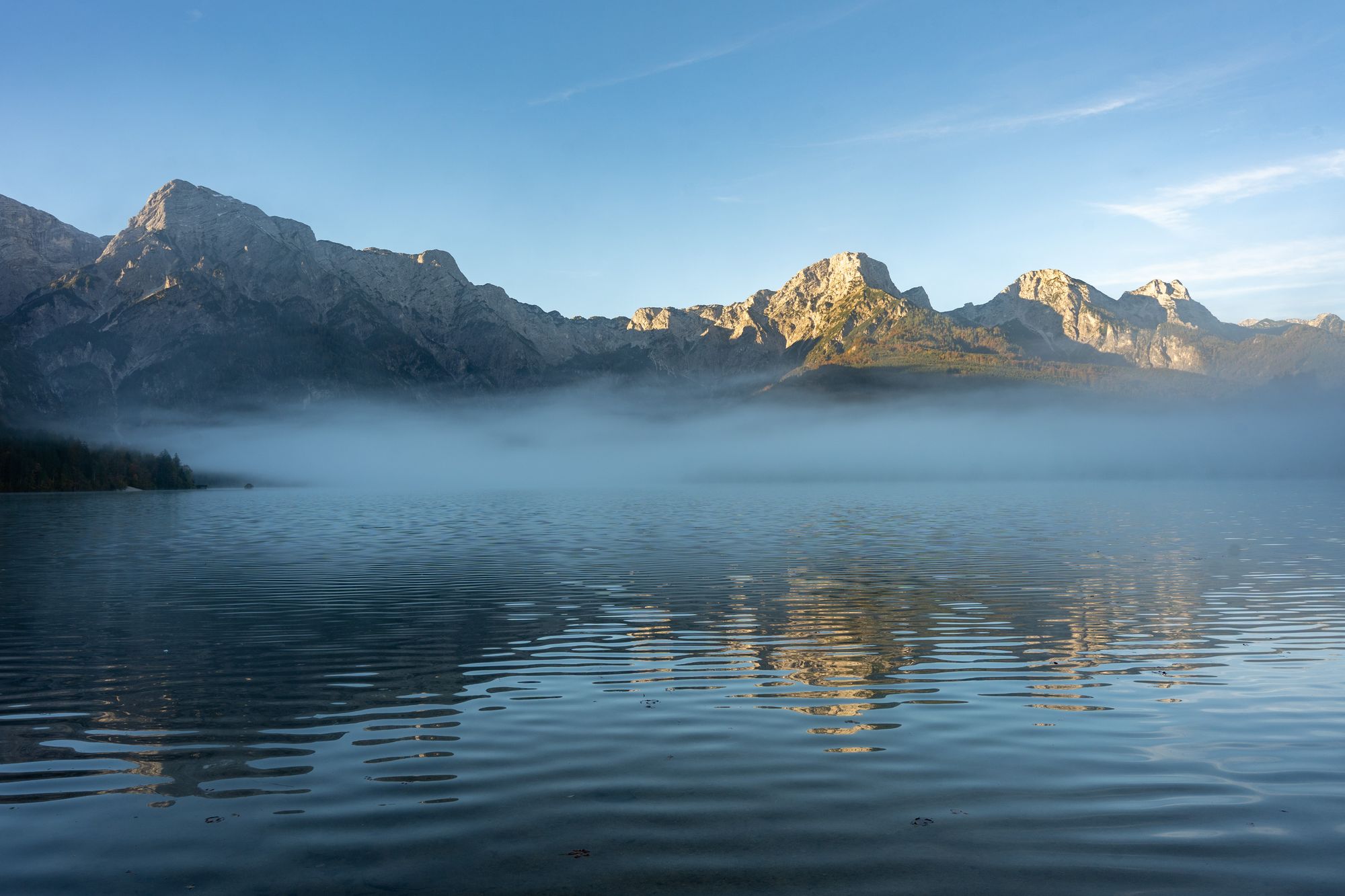
Landscape · 8 presets
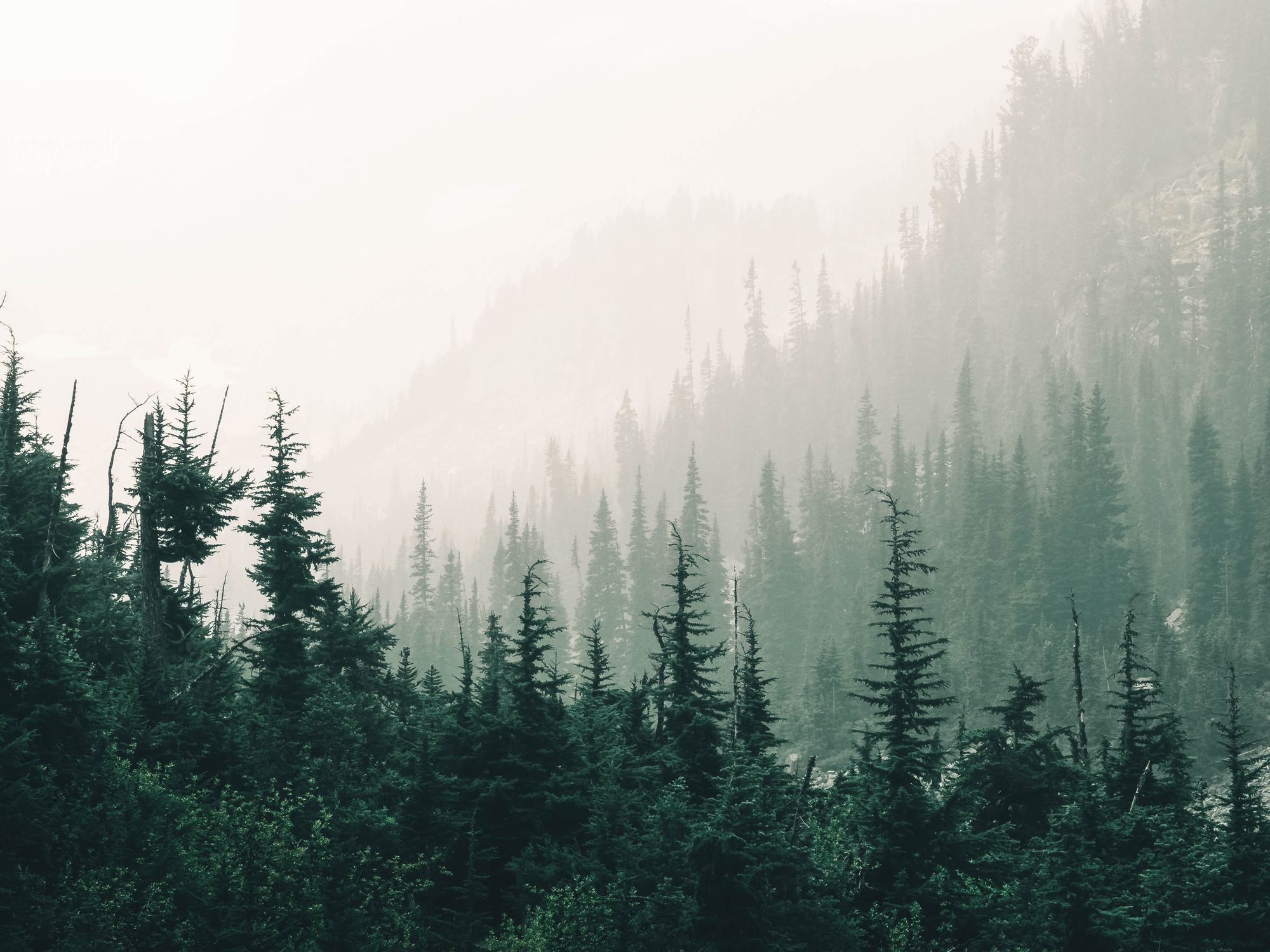
Nature · 8 presets
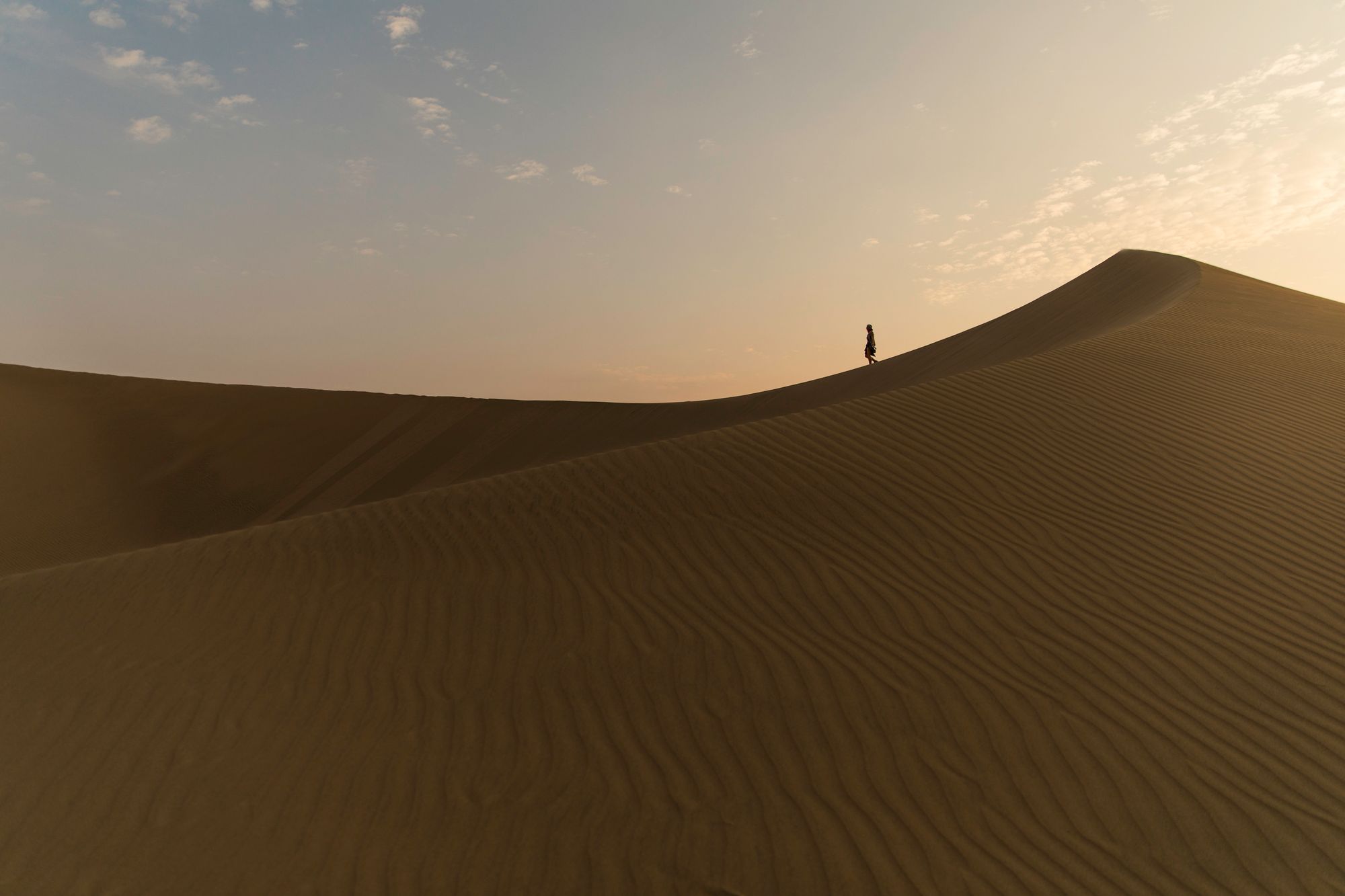
Travel · 9 presets
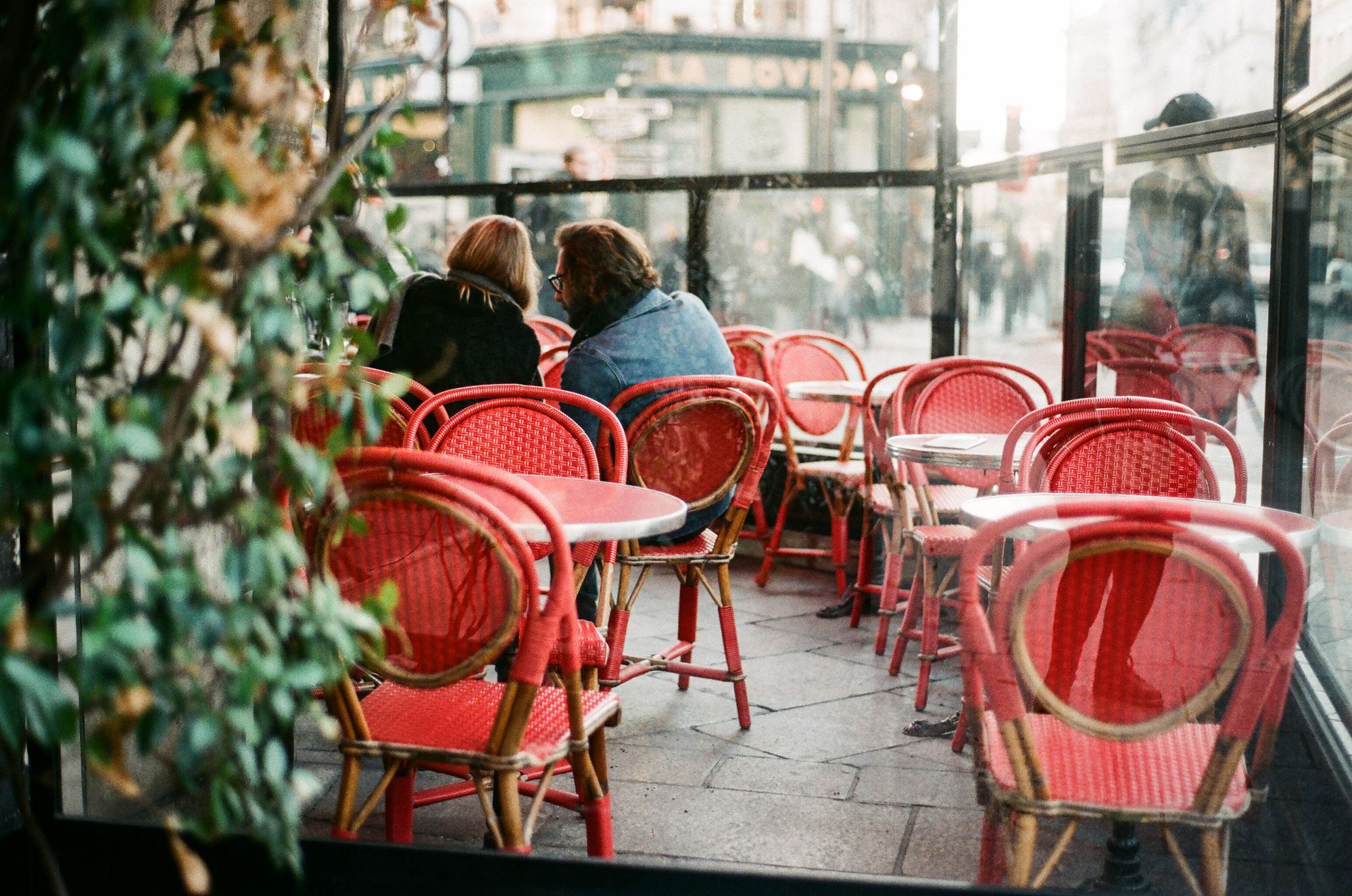 Staff pick
Lifestyle · 8 presets
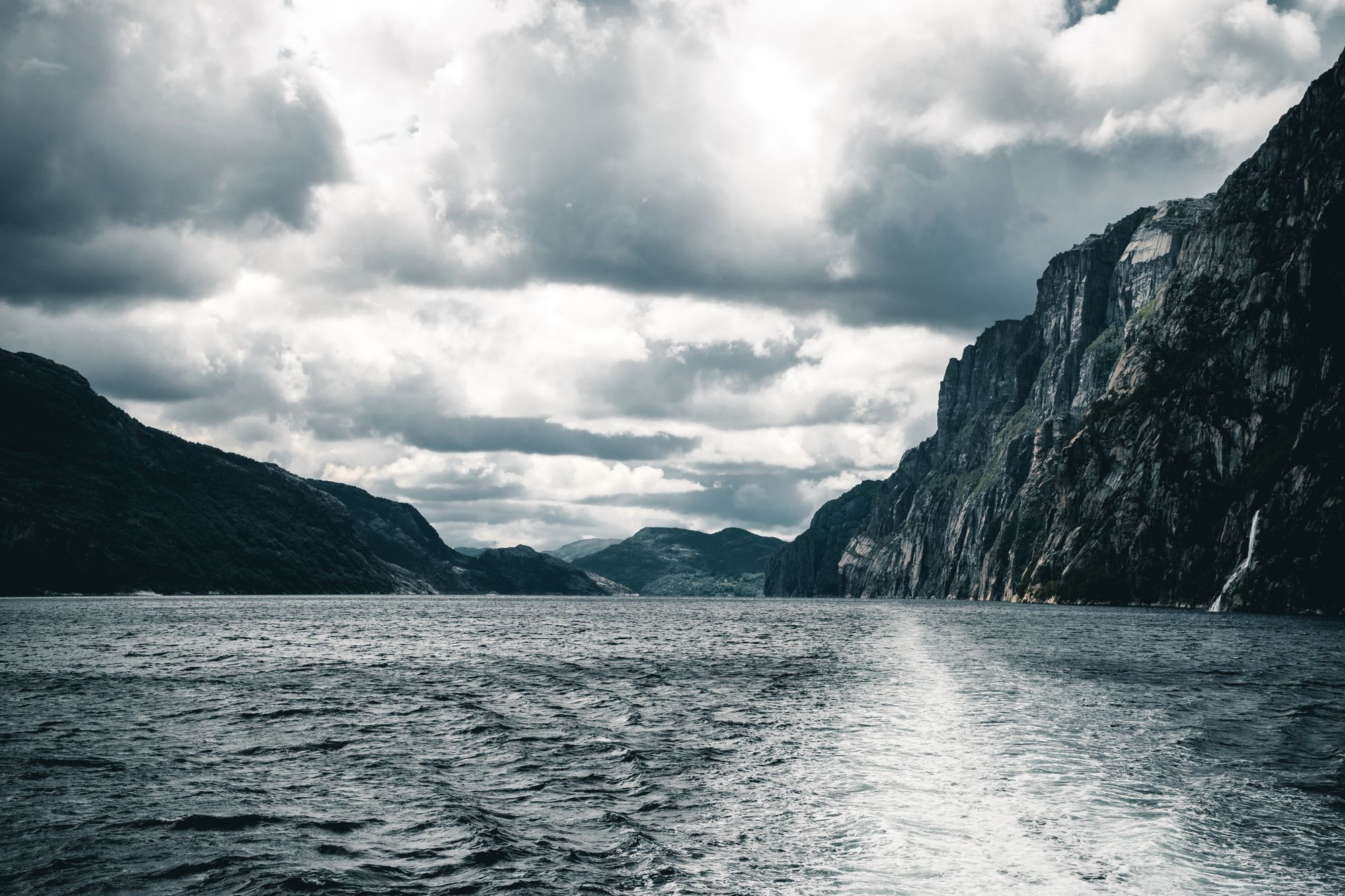
Monochrome · 8 presets
How it works
Every pack is graded on real sessions, so what you see in the slider is what you get on your photos.
One .zip with .xmp presets. Import in Lightroom Classic or Lightroom and they sync to your phone.
One click to apply, then dial the Amount slider up or down. Every preset is built to be tweaked.
Bundle and save
Mix portrait, landscape and street. The discount applies automatically in your cart.
Build a bundleLightroom Classic, Lightroom for desktop, Lightroom Mobile (free or paid) and Adobe Camera Raw. Install notes come in every download.
Presets are a starting point tuned for typical exposures. Most photos need a small exposure or white balance nudge, and the Amount slider handles the rest.
Yes. The license covers personal and commercial photography. You just cannot resell the preset files themselves.
Right after checkout, and any time from Your downloads on this device.